Android:
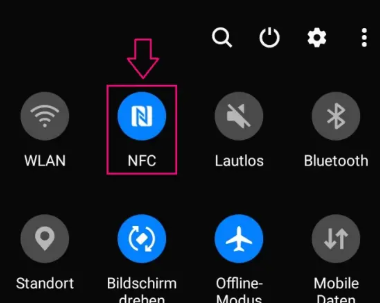
Enable Near Field Communication (NFC) in the settings. You can search for it in the settings or tap the stylized “NFC” icon. You will usually also find it in the same place where you can enable Wi-Fi or the phone’s flashlight.
After that, most modern Android phones can read the data from the RescueTag using the NFC antenna on the back. Hold the RescueTag against the back of the phone and move it slowly in small circular motions until the phone reports that it has detected a tag and displays the data record.
If this does not work, your phone is probably using an older Android version. In that case, apps such as “NFC Tools” can help.
Android App
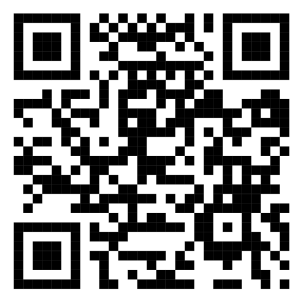
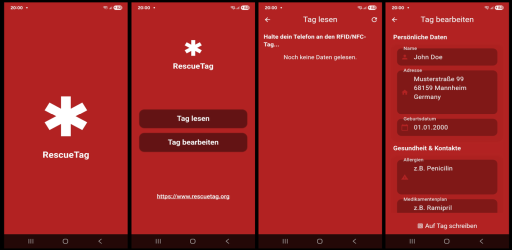
I have also developed a mobile app for this project that allows you to conveniently read and edit the data stored on the RescueTag. To install the app on your Android phone, simply scan the QR code below or search for the app “RescueTag” in the Google Play Store.
iPhone:
On the iPhone, you will need to use either the upcoming iOS version of RescueTag or an app such as “NFC Tools” in order to read the data from the RescueTag.
Information on how to install RescueTag on iOS will be published here as soon as the app becomes available.